Dear Vibe Coder, Bring Your Idea to Life Now!
- So what is an MVP? Why Minimum?
- I. Extending the Analysis Phase: No Need as Much Detail as a Banking App
- I.I. So what is an Analysis Document?
- I.II. Vibe Coder MVP Analysis: What Exactly Should It Include?
- I.III. Practical Choices and Constraints
- II. Chaos Control in Vibe Coding: Task Tracking
- II.I. Simple Kanban: Maximum 4Column Rule
- II.II. Speed-Focused Task Cards
- III. User Experience: Use Your Intuition Instead of Learning Design
- Artificial Intelligence is Even in Design
- IV. Artificial Intelligence Code: ‘Garbage Sorting’ and the Touch of Mastery
- IV.I Separating the Monolith (Data, Presentation, and Logic Layers)
- V. SOLID?
- VI. Vibe Coder Who Doesn’t Know How to Code
- Result
Contents
- So what is an MVP? Why Minimum?
- I. Extending the Analysis Phase: No Need as Much Detail as a Banking App
- I.I. So what is an Analysis Document?
- I.II. Vibe Coder MVP Analysis: What Exactly Should It Include?
- I.III. Practical Choices and Constraints
- II. Chaos Control in Vibe Coding: Task Tracking
- II.I. Simple Kanban: Maximum 4Column Rule
- II.II. Speed-Focused Task Cards
- III. User Experience: Use Your Intuition Instead of Learning Design
- Artificial Intelligence is Even in Design
- IV. Artificial Intelligence Code: ‘Garbage Sorting’ and the Touch of Mastery
- IV.I Separating the Monolith (Data, Presentation, and Logic Layers)
- V. SOLID?
- VI. Vibe Coder Who Doesn’t Know How to Code
- Result
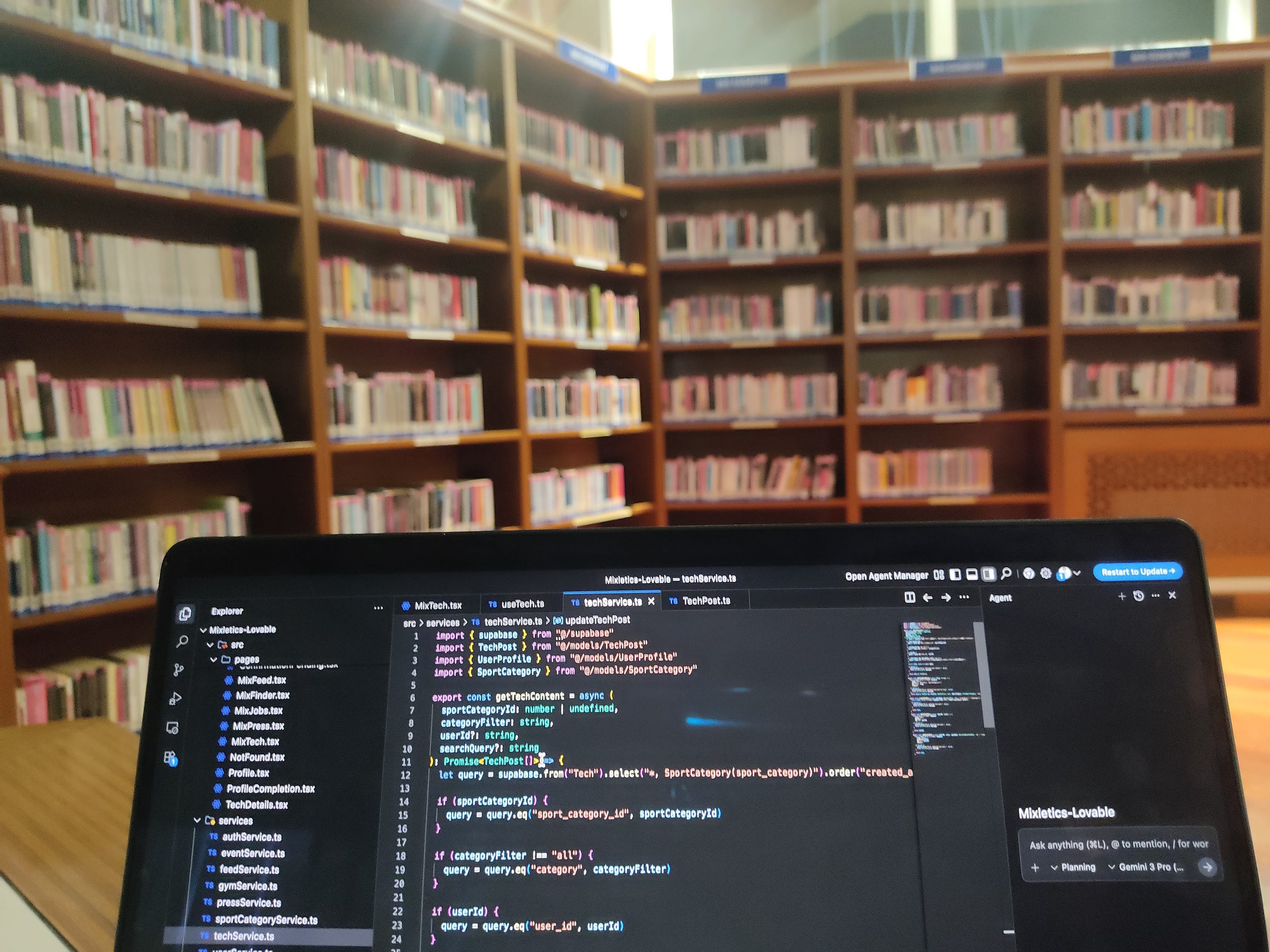
Photo by author. Istanbul, Taksim Atatürk Library

I will dive deeper into the Vibe coding tools I tried in my previous article. As an experienced developer, I will try to explain, in a sincere way, what you need to pay attention to when using AI tools correctly and translating your ideas into code.
So what is an MVP? Why Minimum?
An MVP (Minimum Viable Product) is building a product with its most basic and core value. Its purpose is to quickly launch to market, gather early user feedback, and shape subsequent development based on this data. It fully aligns with the Vibe coding philosophy: it’s a tool for learning a lot with very little effort.
I. Extending the Analysis Phase: No Need as Much Detail as a Banking App
Dear Vibe Coder, your drive to take action is wonderful! But before you touch the keyboard, stop and remember this fact: Every project is risky when it’s just an idea. Large projects spend weeks on Project Initiation and Feasibility studies to evaluate the risk. We accelerate this process, but we don’t skip it. Instead of getting bogged down in detailed constraints, it’s enough for us to clarify the core feasibility of the project in a few hours.
I.I. So what is an Analysis Document?
It’s a short guide that summarizes what the software project solves, who it solves it for, and what key features it will have. Its purpose is to clarify the scope, goals, and constraints of the project before starting the development process.
In complex systems, these documents can be hundreds of pages long; however, for the MVP, we only want answers to the questions “What are we doing and what are we not doing?”. Not in the detail of a banking system! While working at ING Türkiye, I saw a 30-page analysis for an IBAN transfer screen. Those types of analyses are written according to a certain standard, like this:
The IBAN will be numeric and 26 digits long, with a space every 4 characters,
After completing the 26 digits, a request will be sent to the IBAN verification service,
If the customer receiving the money transfer is from the same bank, the user’s name will be automatically written in the name field below and cannot be changed,
If it’s a customer from another bank, only the initials of the name will be visible, the rest will be masked and written below the input, and the user will be required to enter their name…
This level of detail will overwhelm and slow us down during the MVP phase. You don’t need to delve into these complex documents (Requirements Analysis Document/FRD). You need to prepare a much simpler analysis. This will be a solid framework you can refer back to repeatedly during the development process. Don’t worry, a few hours will be enough. We are Vibe coders, my friend.
I.II. Vibe Coder MVP Analysis: What Exactly Should It Include?
In our own project, we prepared a 20-page presentation showing only the basic screen flows and the vision. My advice to you is to prepare a simple PowerPoint or Google Slides instead of going into long Word documents. The purpose of this document is to define the boundaries of “What we do and what we don’t do” to prevent scope creep.
The Project’s One-Sentence Purpose (The North Star): What does your project solve? What can people achieve using this product?
Key User Type (Persona): Who are we making this for? Focus on what the user wants to achieve.
Speaking Through Stories: We write the requirements in the format [WHO], [WHAT they want], and [WHY].
User Flow Map: Which screens will be in the project? Features where the user can spend time. (Such as Registration, Dashboard, Details)
Most Critical Features (User Story): Essential core functions.
I.III. Practical Choices and Constraints
Vibe Coding Assistant: Which AI tools will you use?
Ease of Login/Registration: How should the user log in to the application in the easiest way? (Email/Password or one-click with Google/Apple?)
Don’t Forget the Income Source: Even if the MVP is free, you should think about how the project will generate income in the future.
Data Privacy: Which user data will we store and how will we protect it? (A user agreement is mandatory, especially for the Turkish/European market.)
Language: Only Turkish at the start, or English? (A single language is recommended for the MVP.)
These points allow you to make decisions at a pace consistent with the vibe coding philosophy. Instead of going into detail page by page, it helps you to cover only critical legal and business decisions.
II. Chaos Control in Vibe Coding: Task Tracking
We’ve done all the planning (analysis). Now it’s time to take that plan and turn it into concrete tasks. Before you start coding quickly, even if you’re working solo, a simple task tracker is good to prevent the project from falling into chaos. For speed-focused developers like us, Trello (a simple Kanban tool) is more than sufficient.
II.I. Simple Kanban: Maximum 4Column Rule
Forget the long workflows of big corporate projects. Open columns that are suitable for MVP speed and will only keep you focused:
To Do: All the tasks you have prioritized that are mandatory to complete the MVP. Your only focus.
In Progress: Tasks you are working on. Never exceed 3 cards.
Blocked (Waiting for Response): Used for situations where you are waiting for a response from a teammate or stakeholder, clarifying bottlenecks.
Done: Tasks you have completed and that serve as motivation.
Ideas/Backlog: A waiting list of all the great ideas that come to mind but haven’t made it into the MVP.
II.II. Speed-Focused Task Cards
Title: Always in a User Story format. (e.g., The user must be able to log in to the application with their Google account.)
Description: Contain only the most critical information needed to complete the task.
Estimation (Effort): Break tasks into smaller chunks of 2–4 hours. (I didn’t need effort estimation in my own project also.)
III. User Experience: Use Your Intuition Instead of Learning Design
Once you’ve completely decided what you want and posted your tasks on Trello, we can start designing it little by little. No matter what kind of product you create, (if it has an interface) it’s useless without a good UI. So your design has to be appealing.
Note: If your product has a user interface (UI) (such as B2C, B2B SaaS, mobile application), the following design steps are important. However, if it’s, for example, a background service (headless service) that monitors a website and sends emails, or just an API; you can skip this step and go directly to the coding phase (Part IV).
I’m not telling you to devour the Design Heuristics laws taught at Stanford University, HCI lecture. There’s no need to learn design in detail. Just apply some basic principles, think simply, and listen to your instincts. Just don’t create a design that’s visually jarring, that’s enough. You can get inspiration from platforms like Dribbble and Behance. Instead of spending hours learning design, dedicate 15 minutes to training your eye and get on with the pace that Vibe Coding demands.
Artificial Intelligence is Even in Design
Some tools are already capable of reaching a certain level in design. Of course, they can never replace a designer, but they can create a rough sketch of the project in your mind at an entry level.
Done better than perfect.
That’s really true. Finished is better than perfect. Because there is no limit to perfection. What looks great today may look bad tomorrow. It’s the same in Scrum.
IV. Artificial Intelligence Code: ‘Garbage Sorting’ and the Touch of Mastery
AI Gave a Brilliant Idea, But the Real Work Begins Now.
We used Lovable. It not only provided visually appealing but also a functional basic React/Tailwind code. We had a working output in hours, but all the data, logic, and interface were in the same file! For me, it’s not enough for the code to work; it has to be easy to maintain and testable.
To be able to easily understand the code after 3 months and figure out what was where when the AI messed up, I had to take these raw files generated by Lovable and turn them into a real software project, but I didn’t know React. Google Antigravity came to my rescue.
Note: If your goal is just to test the idea in its raw form or if you don’t know how to code, you can skip this step and trust the AI code. But this code won’t grow!
I chose Supabase for the backend; I saved incredible time by handling Database, Auth, and File Storage from a single Serverless platform.
IV.I Separating the Monolith (Data, Presentation, and Logic Layers)
AI is lazy. In its first code, all the UI, simulated data, and filtering logic were in the same file! It produced chaotic classes of 1000, 1400 pages! Here are the Masterful Touches on the Vibe Code:
Separating the Data: I moved static data like
sportsandcategoriesto separate tables by giving them foreign keys.Layer Architecture: I separated the
service(data fetching) andhook(view logic) layers by establishing a simple MVVM (Model-View-ViewModel) logic.Separating the Components: I detached parts like
FilterSectionandTechCardfrom the main page and turned them into components that can be used everywhere.Creating Tables Quickly: After creating the
TechPostmodel, I quickly created the table by telling Gemini, “Give me the SQL query in Supabase that will create the table corresponding to this object.”Cleaning Up the Data Flow: The
useTechhook now retrieves data from the externalservicelayer instead of reading it directly from the code, and performs the necessary manipulation on the data.Adding a Skeleton Screen:
isLoadingTechContent, showing the user a skeleton screen while waiting for data, is a hallmark of an experienced programmer. No language model does this on its own. You have to prompt it.Using Debounce in Search: Instead of simply pressing Enter to search, I’ve created a
useEffectandsetTimeoutloop that waits (300ms) for the user to finish typing. This improves the user experience. One more simple but nice, professional touch.Performance Touch: Specifically, in the filtering logic, I used React’s
useMemofeature to avoid unnecessary re-rendering and calculations.
TechPost:
export type TechPost = {
  id: number
  title: string
  image?: string
  summary: string
  SportCategory?: Pick<SportCategory, "category"> | null
  Profile?: UserProfile | null
}
New TechBlog:
const TechBlog = () => {
  const [sportFilter, setSportFilter] = useState("all")
  const { sportCategories } = useSportCategories()

  const selectedSportCategoryId = useMemo(() => {
    if (sportFilter === "all") return undefined
    return sportCategories.find((c) => c.sport_category === sportFilter)?.id
  }, [sportFilter, sportCategories])

  const { techContent, isLoadingTechContent } = useTech(selectedSportCategoryId)
  const sports = sportCategories.map((category) => category.sport_category)

  return (
    <MainLayout>
      <FilterSection
        title="Sport Category"
        items={sports}
        selectedValue={sportFilter}
        onValueChange={setSportFilter}
        allLabel="All Sports"
      />

      <h1 className="text-3xl font-bold">TechBlog</h1>
      <Input placeholder="İçerik ara..." value={searchQuery} onChange={(e) => setSearchQuery(e.target.value)} />

      <div className="grid sm:grid-cols-2 gap-4">
       {techContent.map((content) => <TechCard key={content.id} {...content} />)}
      </div>
    </MainLayout>
  )
}

export default TechBlog
techService:
export const getTechContent = async (
  sportCategoryId: number | undefined,
  userId: string
): Promise<TechPost[]> => {
  let query = supabase.from("TableName").select("*, Category(category)").order("created_at", { ascending: false })

  if (sportCategoryId) {
    query = query.eq("sport_category_id", sportCategoryId)
  }

  const { data, error } = await query
  return data as TechPost[]
}
V. SOLID?
Single Responsibility: The
TechBlogcomponent is solely responsible for the screen, theservicelayer for fetching data, and thehooks for the interface logic. Each component has a single purpose.Open/Closed: Want to add a new filter? You don’t need to touch the
FilterSectioncomponent; just send it the new data. This provides code flexibility.Dependency Inversion: Perhaps most importantly, I no longer connect the interface directly to data sources; instead, I’ve placed an abstract layer like
useTech. What does this mean? It means that even if the project grows and we completely change the backend (data source) or write a service, the interface components will not be affected. Code written by AI is more robust and flexible thanks to another AI.
Before this post went live, I had already put 90 to 100 hours into the project. I got through work far more complex than what I’ve described here without writing any code myself. And of course, that was thanks to SOLID.
Vibe Coding + Mastery = Sustainability
VI. Vibe Coder Who Doesn’t Know How to Code
Focus on Gaining Momentum: If you’re not a coding expert, you don’t need to go through the deep architectural steps in Chapter IV. Your goal should simply be to test the idea. Stick to Vibe Coding’s core motto: Focus on what’s done, not what’s perfect.
Trust and Guide: Cannot get SQL from Gemini, so use Lovable’s code. Your job isn’t to engineer, but to manage the project’s vision and guide the AI in the right direction.
Release Immediately: Release the MVP in its rawest form possible. Gather user feedback. If your idea takes hold and you attract the first users, then you’ll realize you need to find a “Senior Vibe Coder” (a freelancer or partner) to clean up the code and make it compliant with SOLID principles.
Continue: Keep coding your idea, without skipping the Analysis and task tracking steps I described in this article.
Result
As you can see, AI gives you a working blueprint quickly. But taking that draft and transforming it into a real, SOLID-principled structure capable of handling thousands of users’ traffic tomorrow was the job of an experienced senior like me. Remember, Vibe Coding enabled us to lay the foundation in an hour, but what makes the product sustainable is the investment in expertise! I can’t fully explain the project in this article. I’ll write another one when it’s live. See you soon.
I couldn’t fully explain the project I’m working on in this article. I’ll write another article when it’s published. See you soon.
Frequently Asked Questions
▸What is an MVP in the context of vibe coding?
MVP stands for Minimum Viable Product — the smallest version of your idea that actually works. In vibe coding, 'minimum' is emphasized so you stay focused and ship fast instead of over-engineering from the start.
▸What should a vibe coder's analysis document include?
A vibe coder's analysis document doesn't need banking-app-level detail. It should cover practical choices like which AI tools to use, key constraints, and essential decisions like whether a user agreement is needed — enough to guide development without slowing you down.
▸How do you manage tasks and avoid chaos during vibe coding?
Use a simple Kanban board with a maximum of 4 columns to track progress. Keep task cards short and speed-focused so you can maintain momentum without getting buried in project management overhead.
▸Do vibe coders need to learn design or UX?
Not deeply. The post recommends spending just 15 minutes training your eye for design rather than hours learning it formally. Trusting your intuition and using AI design tools is enough to keep pace with vibe coding's fast rhythm.
▸How should you handle AI-generated code quality in vibe coding?
AI code often needs cleanup — the post calls this 'garbage sorting.' The real work begins after AI gives you a working idea, and you should separate code into data, presentation, and logic layers to keep it maintainable.
▸What is the data-presentation-logic layer separation and why does it matter?
Separating a monolith into data, presentation, and logic layers means your codebase stays organized as it grows. AI tends to generate tangled code, so applying this structure manually is what makes a vibe-coded product sustainable.
▸Should vibe coders follow SOLID principles?
The post raises SOLID principles as relevant to vibe coding quality. While vibe coding prioritizes speed, understanding SOLID helps experienced developers clean up and structure AI-generated code properly over time.
▸Can someone who doesn't know how to code do vibe coding?
The post addresses non-coders directly, suggesting vibe coding tools lower the barrier significantly. However, it emphasizes that developer expertise is what makes a vibe-coded product truly sustainable beyond the initial build.
▸What is the core motto of vibe coding according to this post?
The core motto is: focus on what's done, not what's perfect. This mindset keeps you shipping rather than endlessly refining, which is central to vibe coding philosophy.
▸How long does it take to build a foundation using vibe coding?
According to the post, vibe coding can help you lay the product foundation in about an hour. What comes after — quality, sustainability, and real usability — requires additional developer investment and expertise.